


The Capital Credit Union app.
Check your balances, pay in, apply for a loan and message us, whenever it suits you. Free on iPhone and Android.

On a computer? Scan the code with your phone camera.
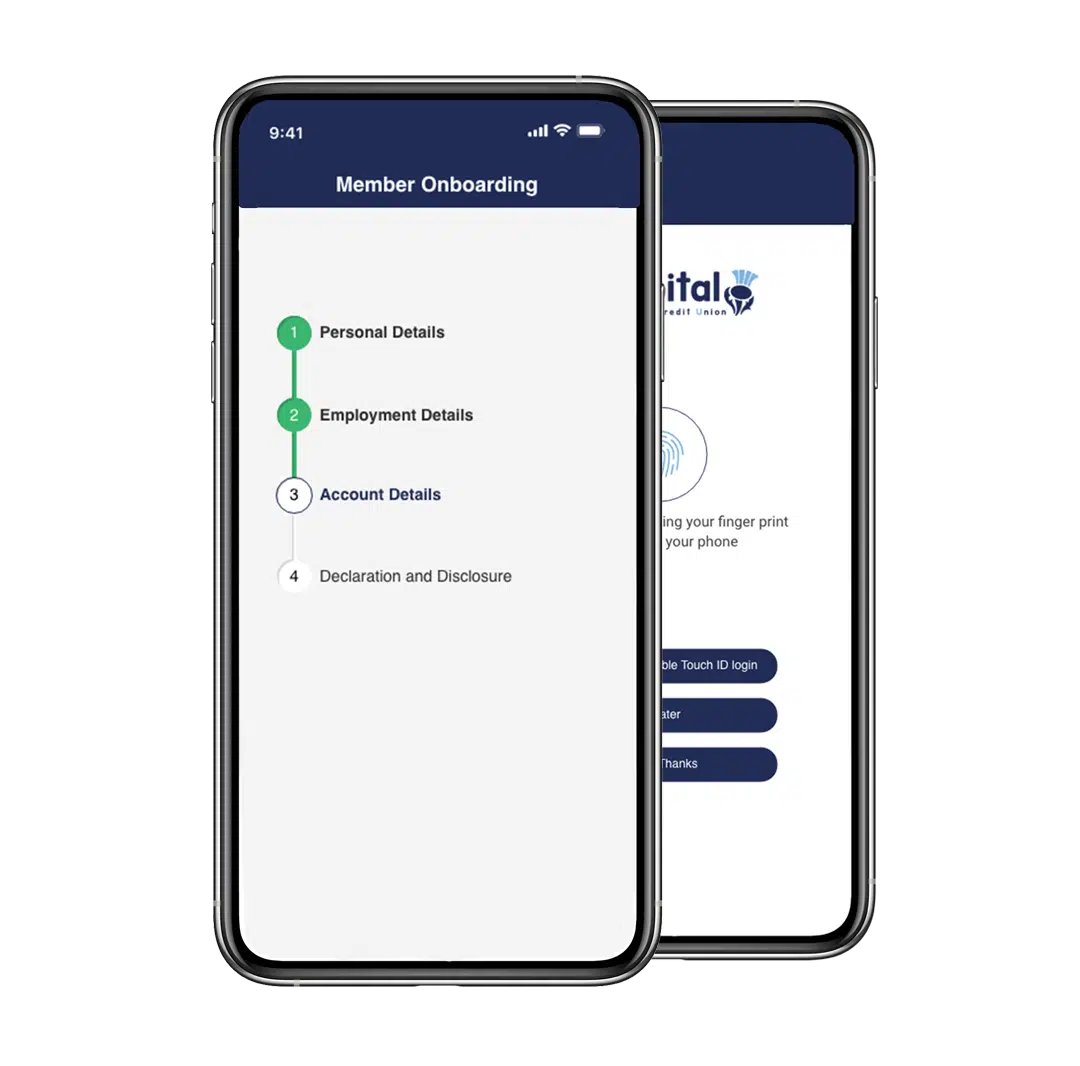
What you can do in the app.
The everyday jobs, done in a few taps, day or night. Online banking does them too, if you’d rather use a computer.
Saving
- See your balancesEvery account at a glance, with what’s gone in and out.
- Pay in by debit cardAdd to your savings whenever you like.
- Change your regular savingSet up or change a regular deduction, including from your pay.
Borrowing
- Apply for a loanApply from your phone, with no paper forms.
- Check your loanYour loan balance sits alongside your savings.
- Move money between accountsIncluding into your loan, if you want to pay a little extra.
Day to day
- Message us securelyAsk about your account, and we reply in the same place.
- Withdraw to your bankSend your savings to your bank account.
- Log in with your face or fingerprintUsing the security already on your phone.
Getting set up.
Already a member
You’ll need your membership number and your personal details.
-
Download the app
Free on the App Store and Google Play.
-
Select Activate Now
Follow the steps to set up your login. You only do this once.
-
Log in
Next time, log in under “Existing Member? Log in below”.
Forgotten your membership number? On the login screen, select “Account locked or lost your login details” and we’ll text it to you.
New to Capital Credit Union
Join first, then register in the app.
-
Join online
Apply from your phone or computer in a few minutes.
-
We text you
Once your membership is complete, we send your membership number.
-
Register in the app
Download it, select Activate Now and follow the steps.
Subject to status and affordability. Membership eligibility criteria apply.
I can’t log in. What do I do?
Most problems can be fixed from the login screen. Select Account locked or lost your login details to reset your password, unlock your account or get your membership number by text.
Still stuck? See I can’t log in, or call us on 0131 225 9901.
Can I use online banking instead?
Yes. Online banking does the same everyday jobs in a web browser on your computer, tablet or phone, with nothing to install. You log in with the same details.
Can I enter the Members Lottery in the app?
No. Lottery entries are set up in online banking, using a web browser on your phone or computer. How the lottery works
Is it safe to save my login details?
Only on your own phone, never a shared one. Use a screen lock, and turn on face or fingerprint login so only you can open the app.
Can I use the app for a junior or corporate account?
Junior and corporate accounts don’t have online access. Call us on 0131 225 9901 and we’ll help with anything you need.